PrincipiumBOT
◆ Community
Join the Principium Discord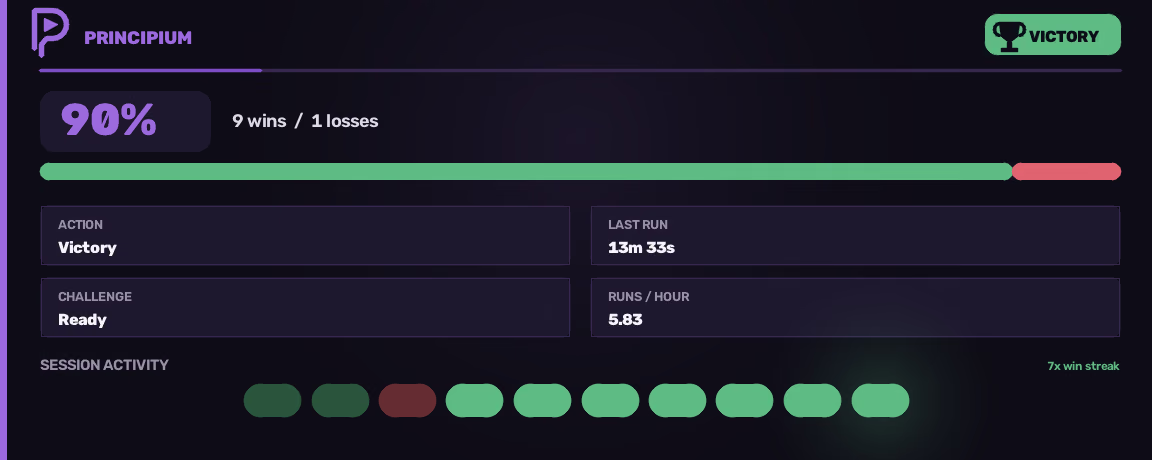
Viewport · 1152 × 756
Principium is an all-in-one macro for Anime Expeditions. Set it up once, start it, and leave it running.
Private beta, invite-only. Have a key? Activate it on the portal.
Windows · one docked client · licence required
Nothing in the loop runs on a stopwatch. Each step has to observe its own result before the next one is allowed to start.
Open Roblox and join Anime Expeditions. Principium grabs that one window and sizes it to fit. It never touches a second client, and it never looks outside that window.
host · roblox connected · 1152 × 756
It reads the screen the same way you do, by looking at it. Nothing is remembered from earlier and assumed to still be true. Whatever is on screen right now is what it goes on.
perception · template match + ocr
Ordinary clicks and keystrokes, sent to the window sitting in front of you. Before every one, it checks the window is still the right one, still visible, and still on top.
input · foreground · guarded
A match counts as won when the victory screen is on screen, and not a second before. No part of the engine will ever guess an outcome because enough time went by.
evidence · victory confirmed
The queue only advances after a result is confirmed, and it writes that down as it goes. Close the app halfway through the night and it carries on from the last run it finished.
cursor · task #1 · pass 3 / 10
If the game hangs or drops you somewhere unexpected, it rejoins and carries on from the last run it finished. It only wakes you up when something is genuinely wrong, and then it tells you what.
state · needs attention
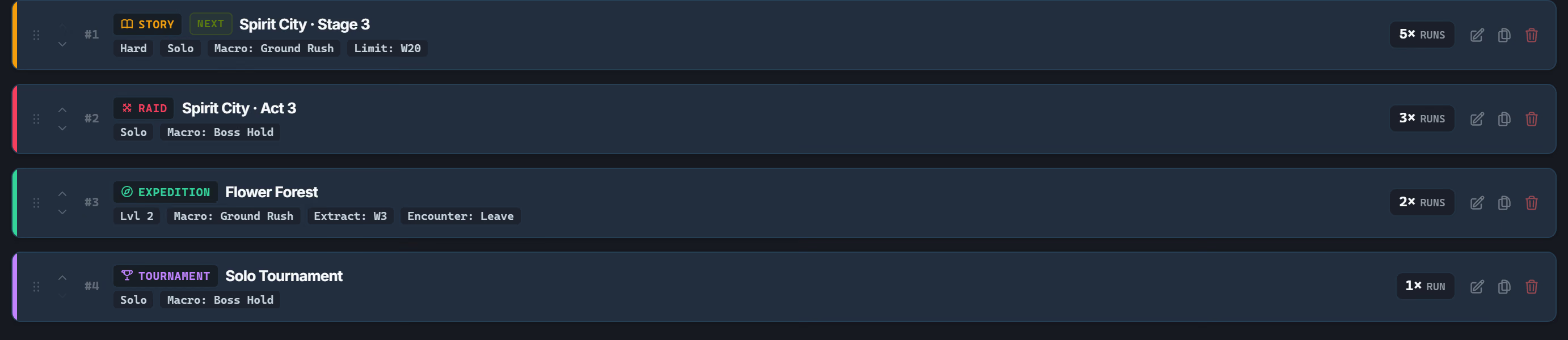
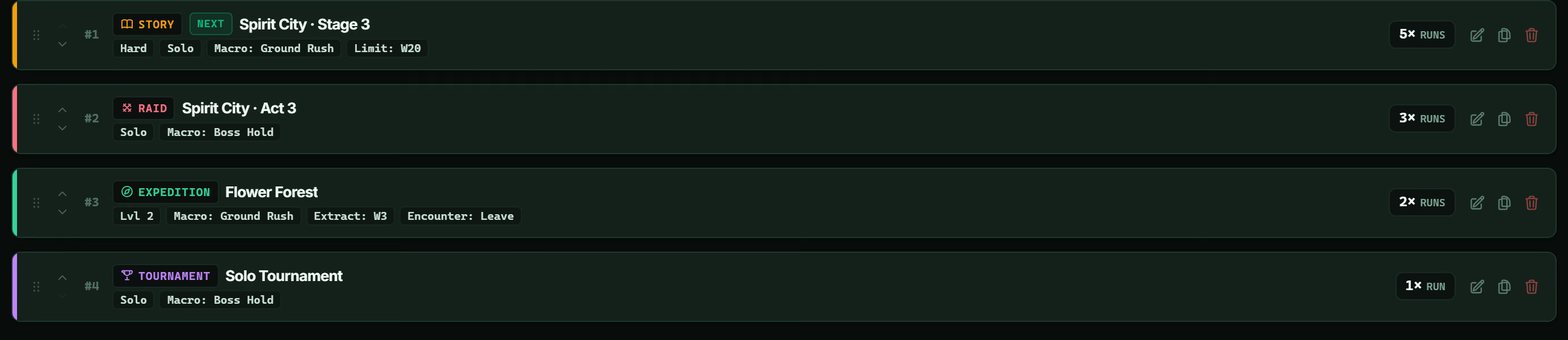
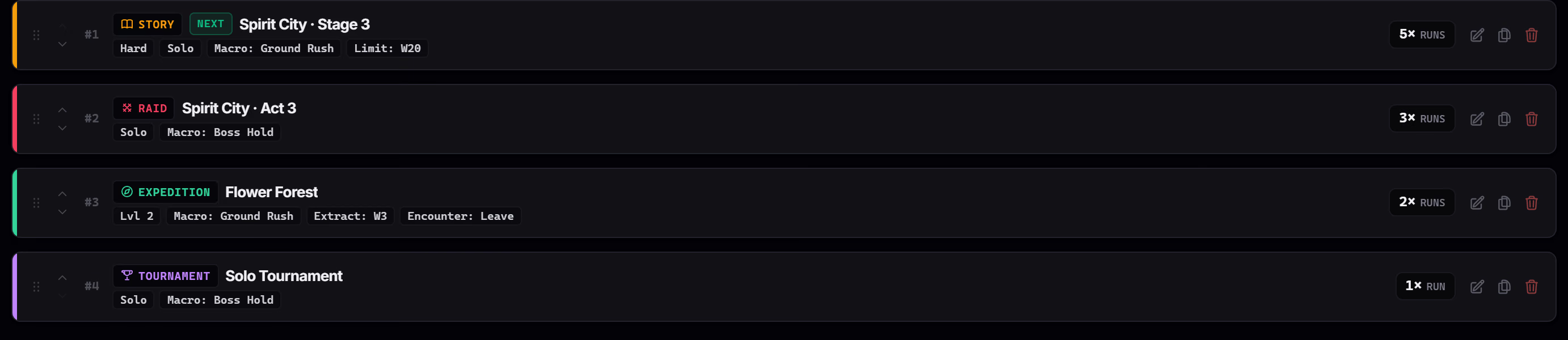
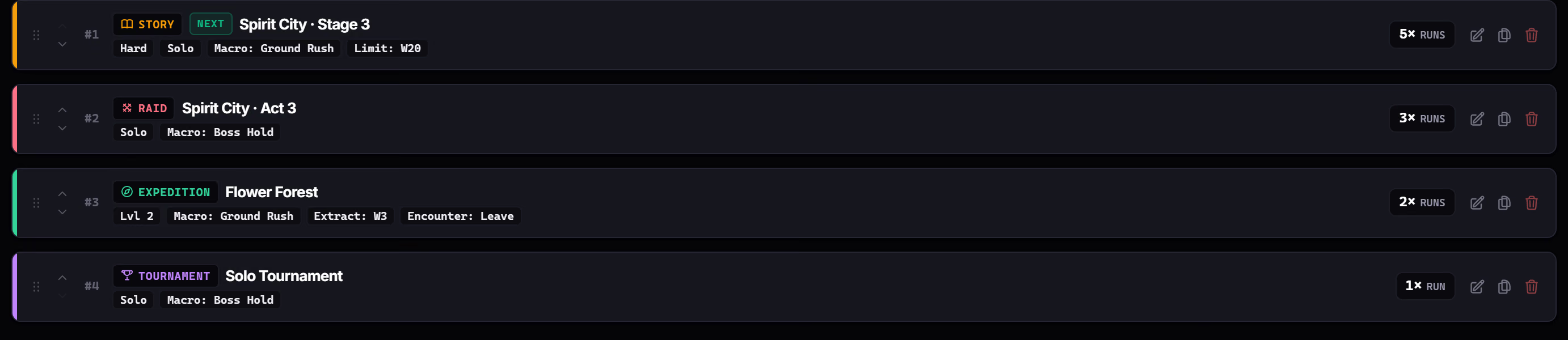
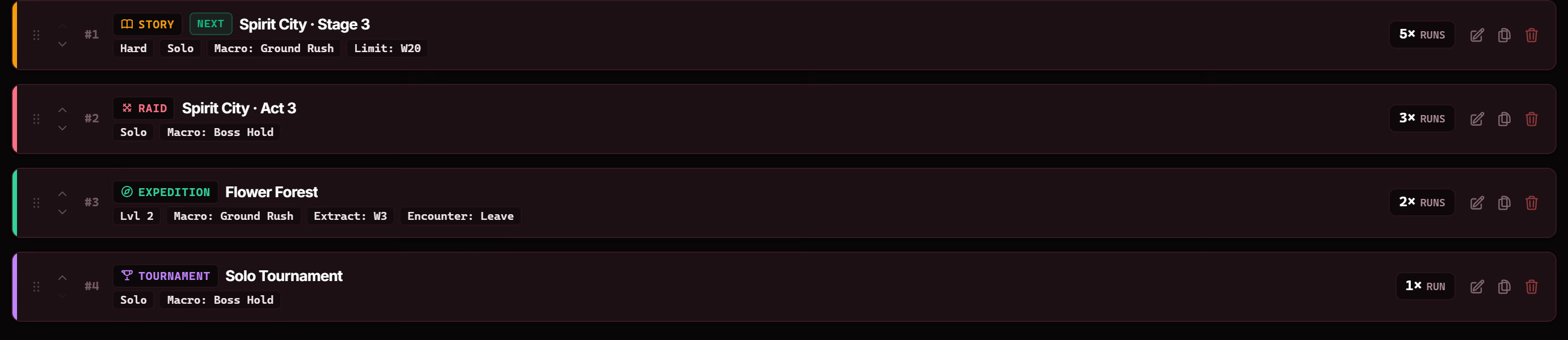
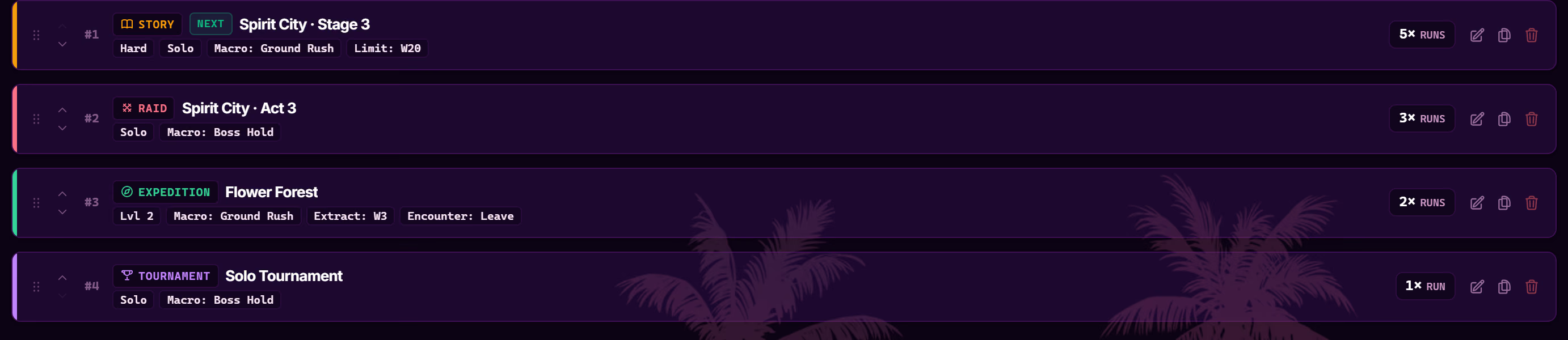
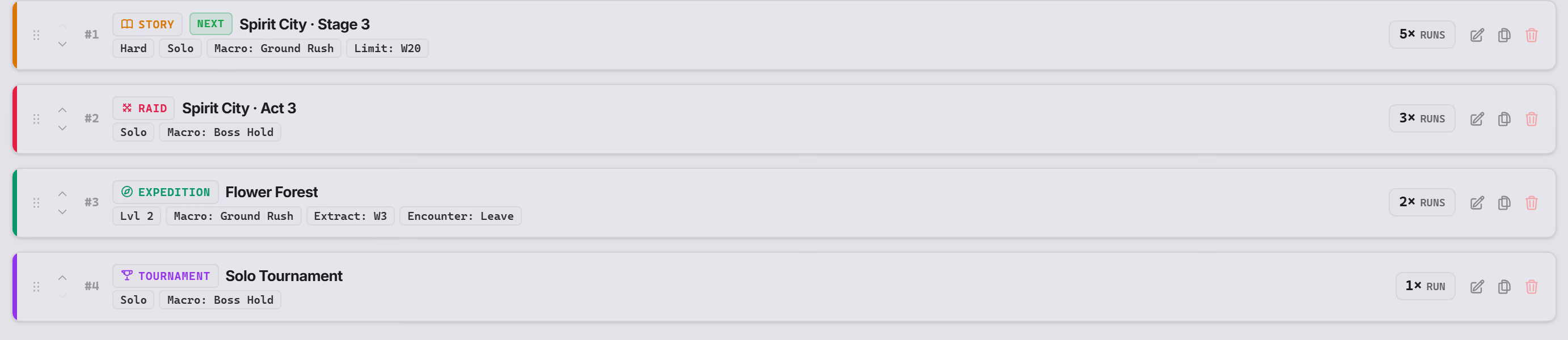
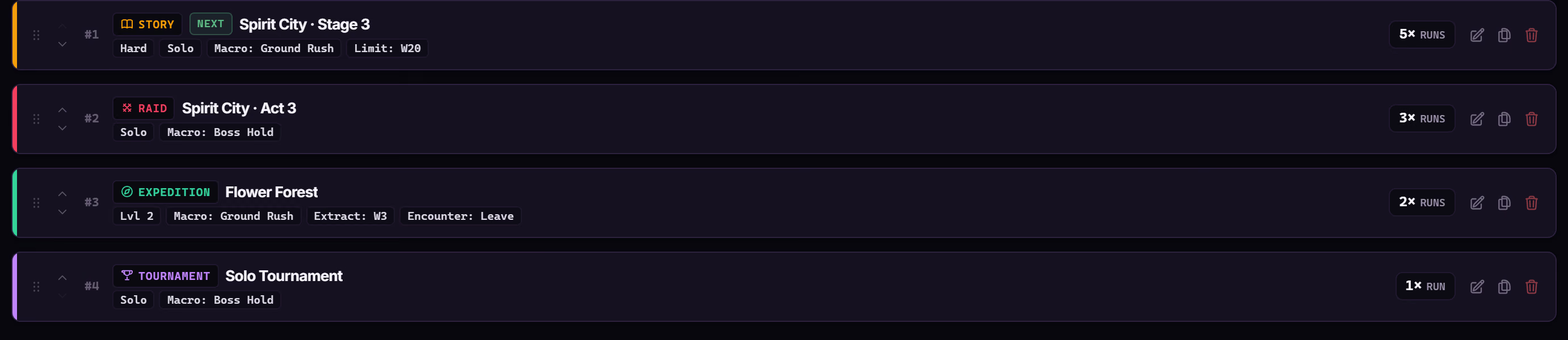
Tasks run top to bottom, each with its own map, difficulty, party, macro and repeat count. Set the plan to a number of passes or leave it running forever, save it as a preset, and the queue keeps a transactional cursor: the run that gets interrupted resumes at the last committed outcome instead of restarting the list.
4 tasks · 11 runs · 4 modes
Every run is cryptographically verified before execution starts. The launcher seals your device identity, validates the signed release, and authorizes the engine over a local ticket.
Sign in with Discord on the beta portal. Your entitlement is unlocked through your licence key, voucher, or campaign role, creating your account record.
portal · discord linked · entitlement confirmed
The Windows desktop launcher installs in a few clicks and locks itself to your machine, so a licence key cannot be shared or reused elsewhere.
launcher · installed · device locked
Enter your licence key in the launcher. It downloads the engine build for your account and checks it is the real, untampered release before running it.
download · verified · ready to run
The engine will not run without a valid session from your account, and it stops immediately the moment that licence goes away.
session · authorised · licence enforced
With the engine authorised and running, it hooks into your single open Anime Expeditions window, calibrates coordinates, and begins executing your queued tasks.
ready · roblox docked · 1152 × 756
Maps, stages, difficulty, solo or matchmaking, and optional Infinite / Mastery settings.
Raid acts, solo or matchmaking.
Event Acts 1–4. Act 4 can be coordinated as an on-drop diversion when configured.
Expedition maps, levels 1–3, extraction checkpoints, solo entry.
Solo Tournament and Global Tournament. Global Tournament selection is OCR-backed.
Challenge slots 1–3, each with an assigned map confirmed after entry.
The daily Challenge, run when the game reports it available.
Automatic order between matches
Regular rotations and the daily.
Fail-closed until this build has registered craft evidence.
Refill stations and routes.
Configured items only.
Each pass can also be requested on its own. Readiness comes from the current settings and reset windows, never from stale saved state.
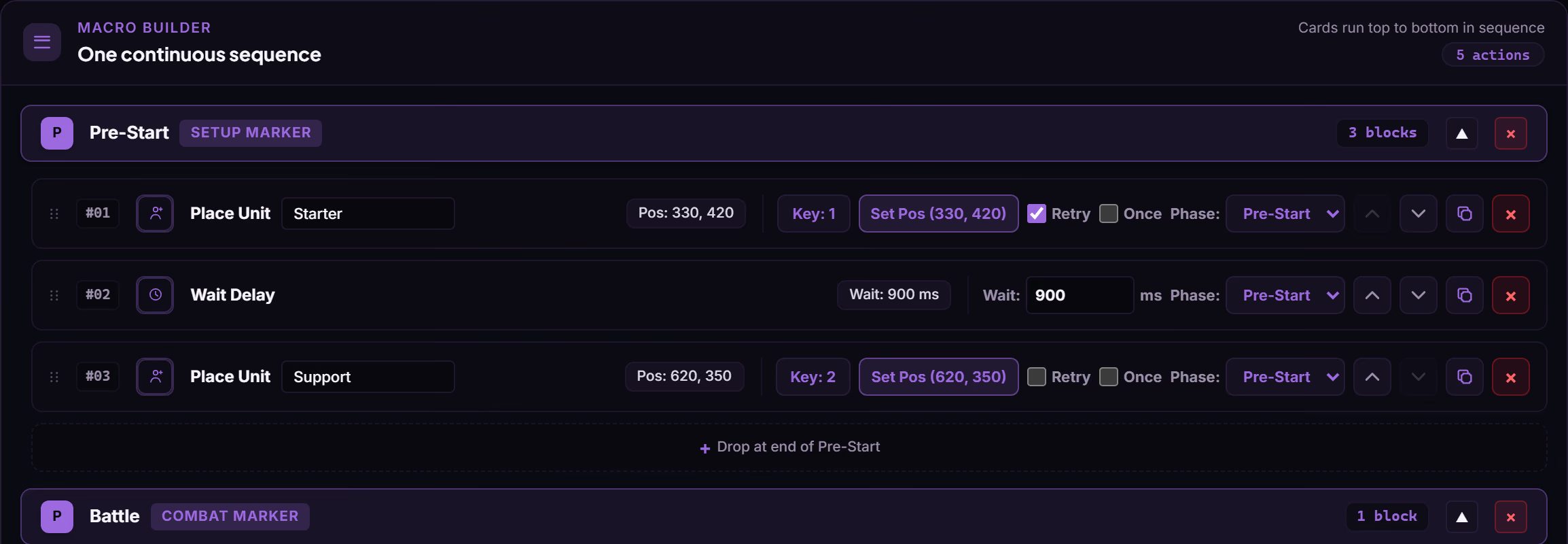
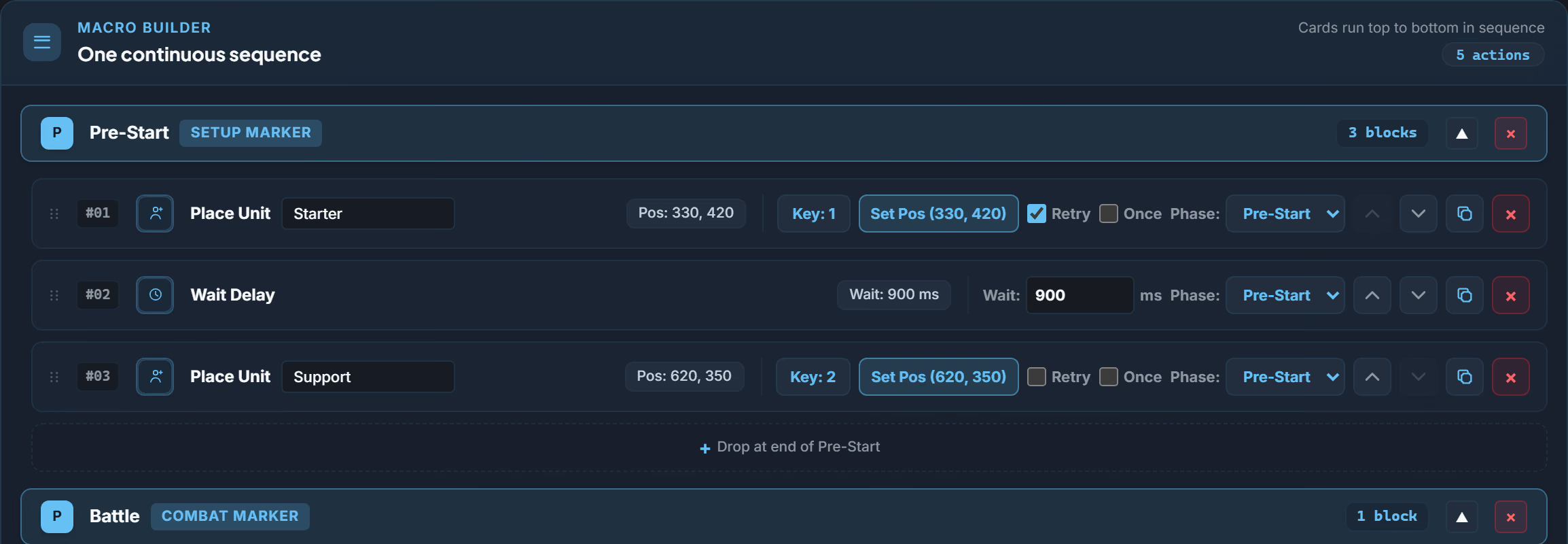
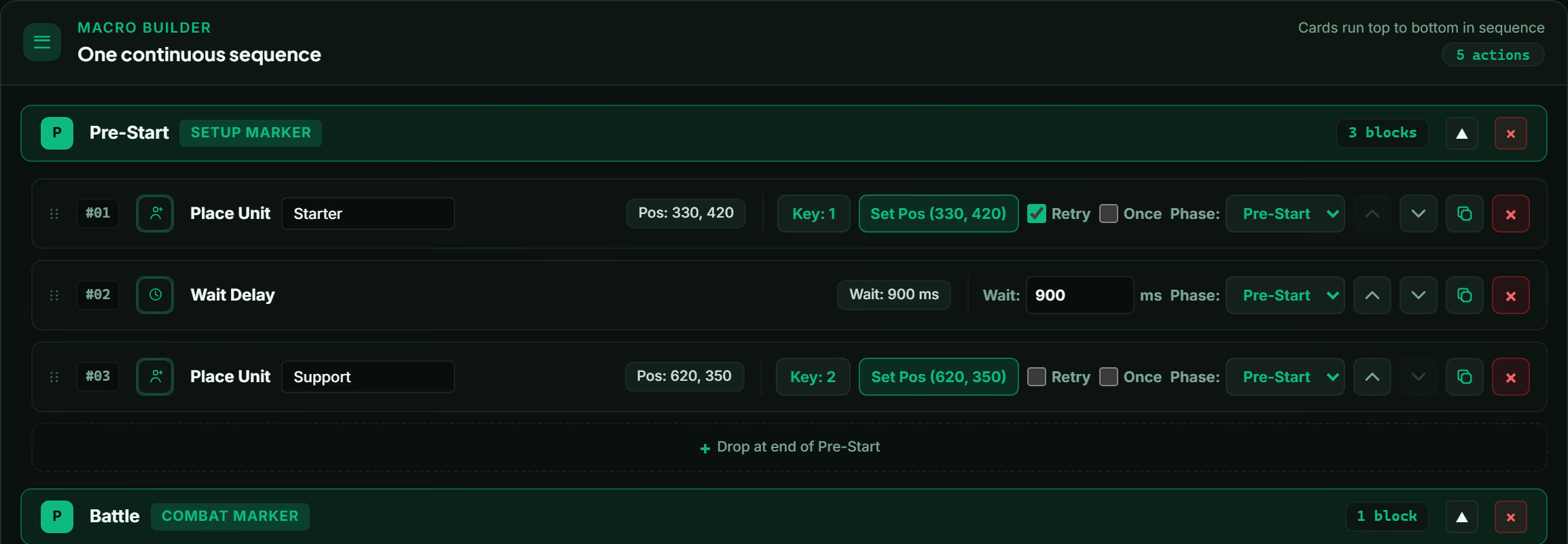
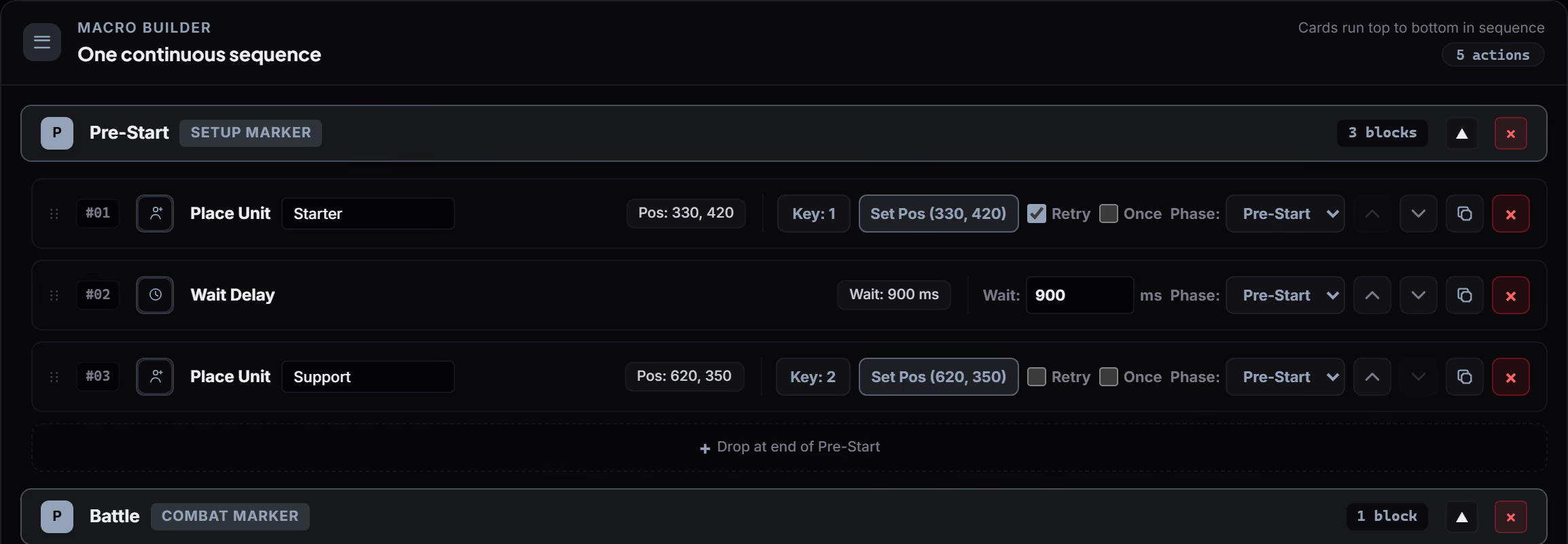
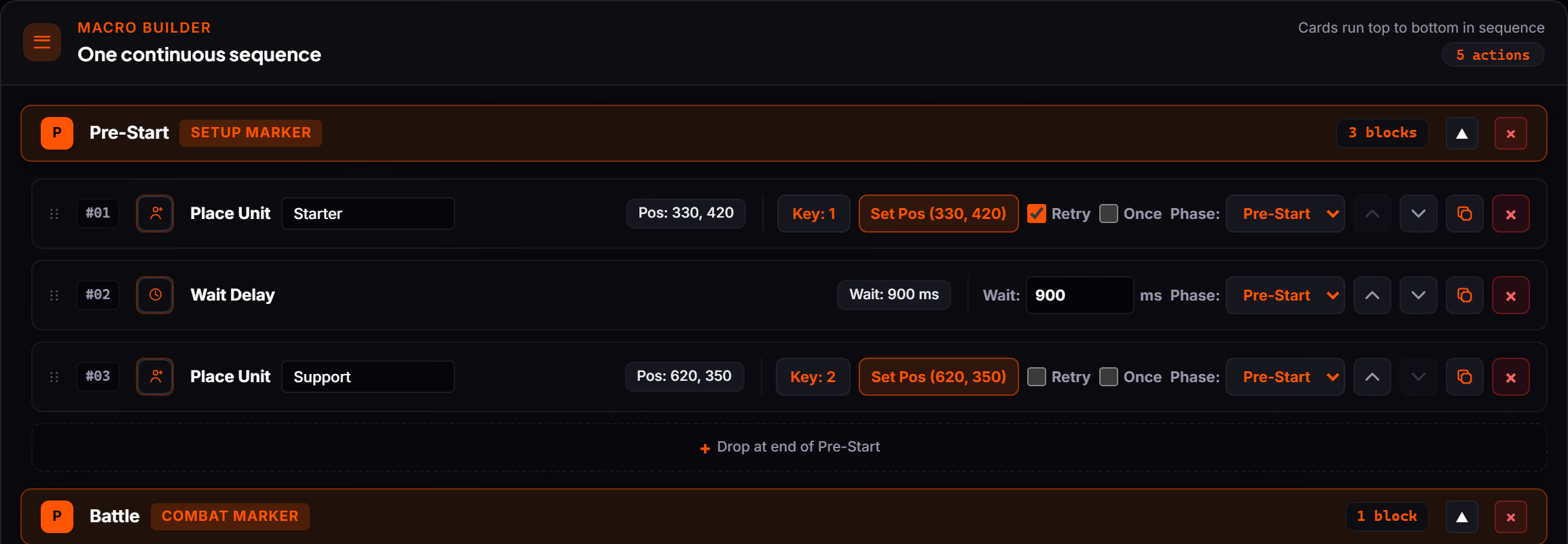
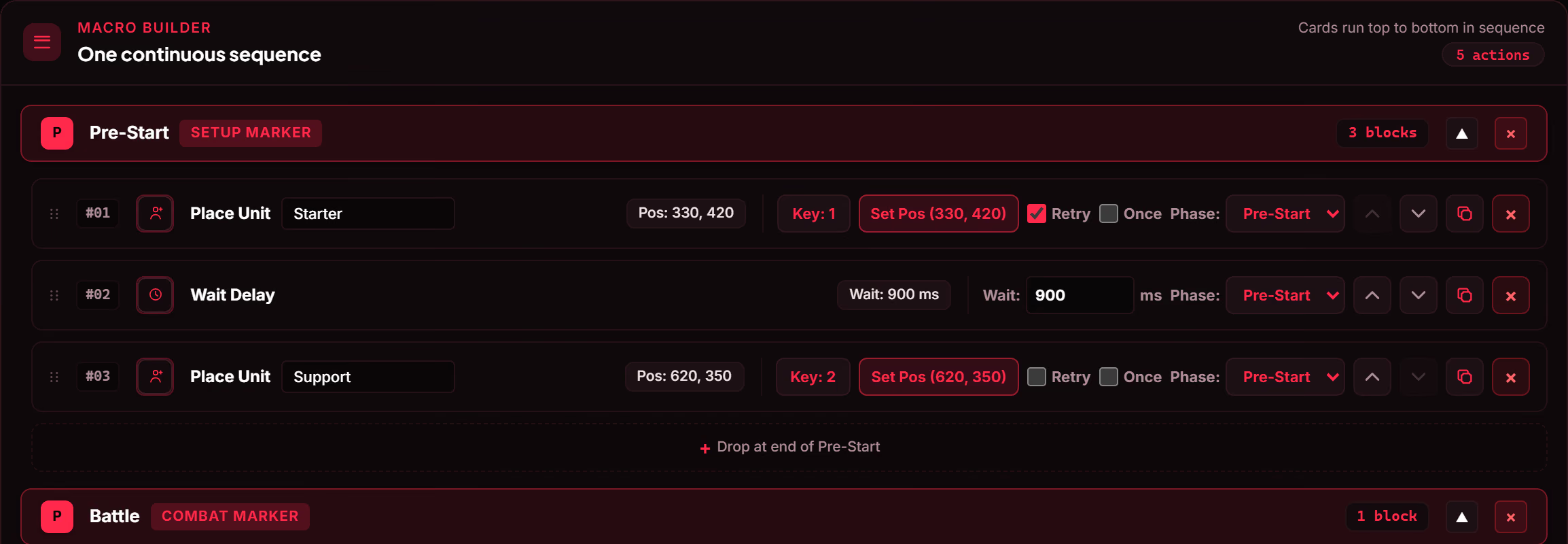
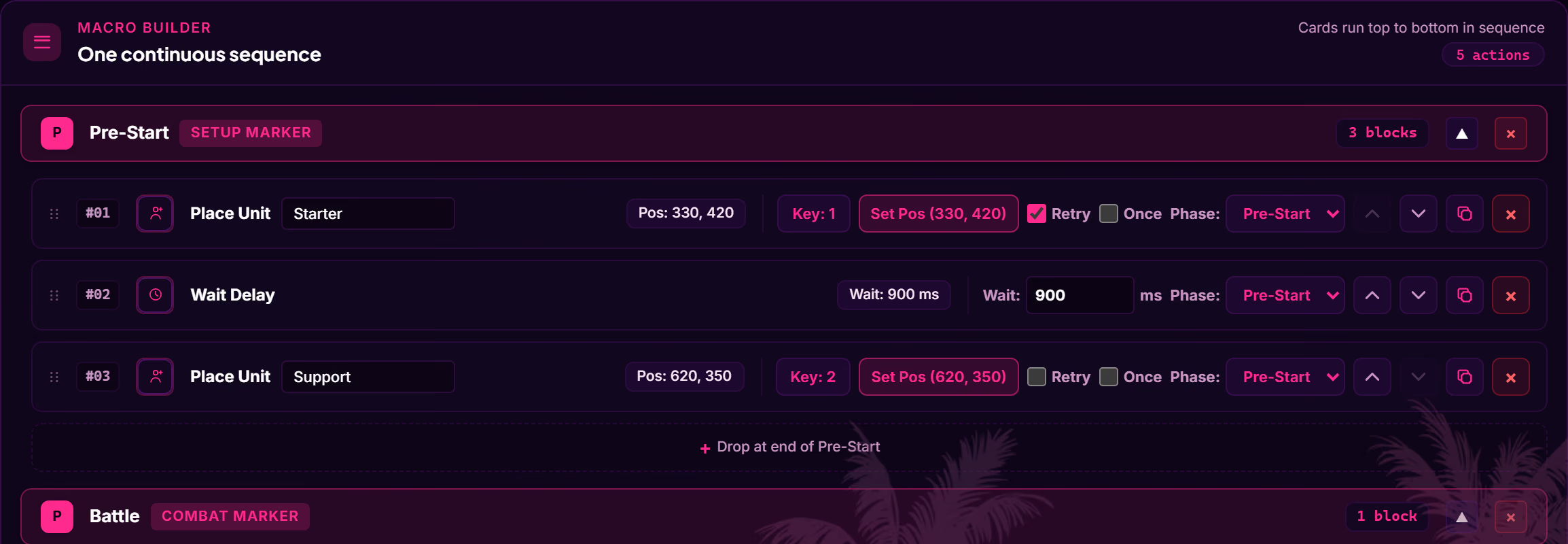
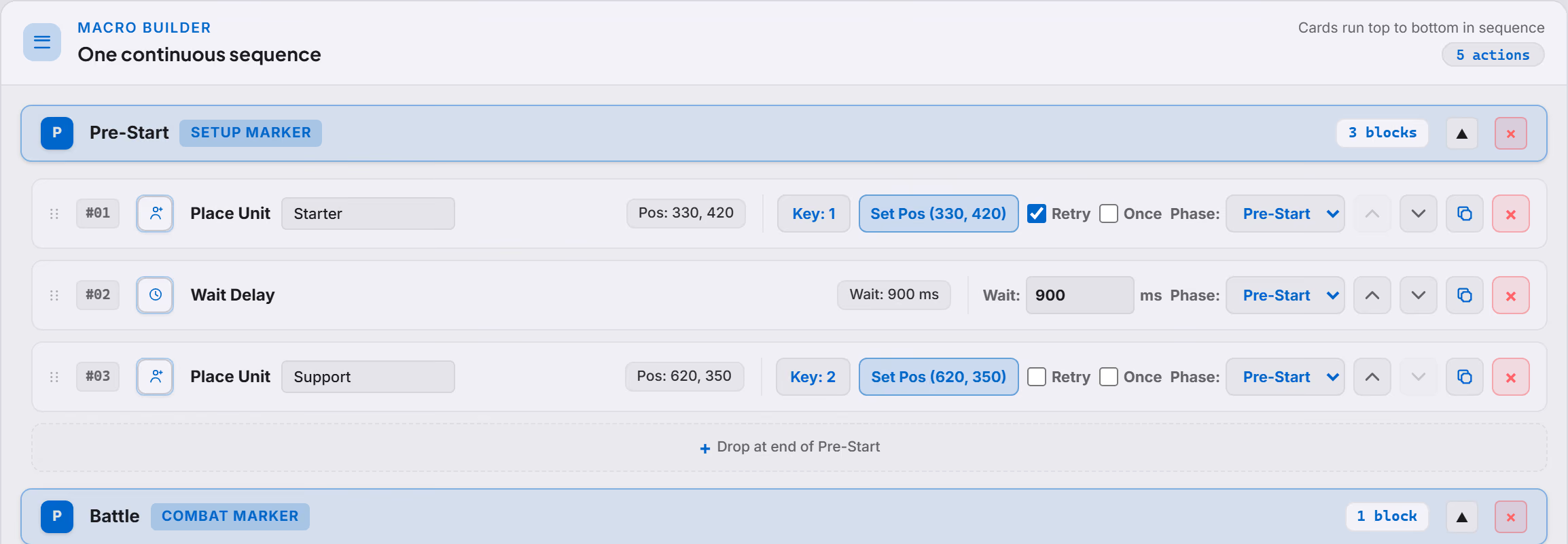
Drag phase markers into the timeline and fill them with action blocks. Cards run top to bottom, so what you read is the order the engine will play.
Positions are set by clicking the reference canvas (the captured game frame itself), so a placement is a real coordinate in the docked window rather than a guess. Macros are saved by name, assigned per task, and can be handed to someone else with Share Code.
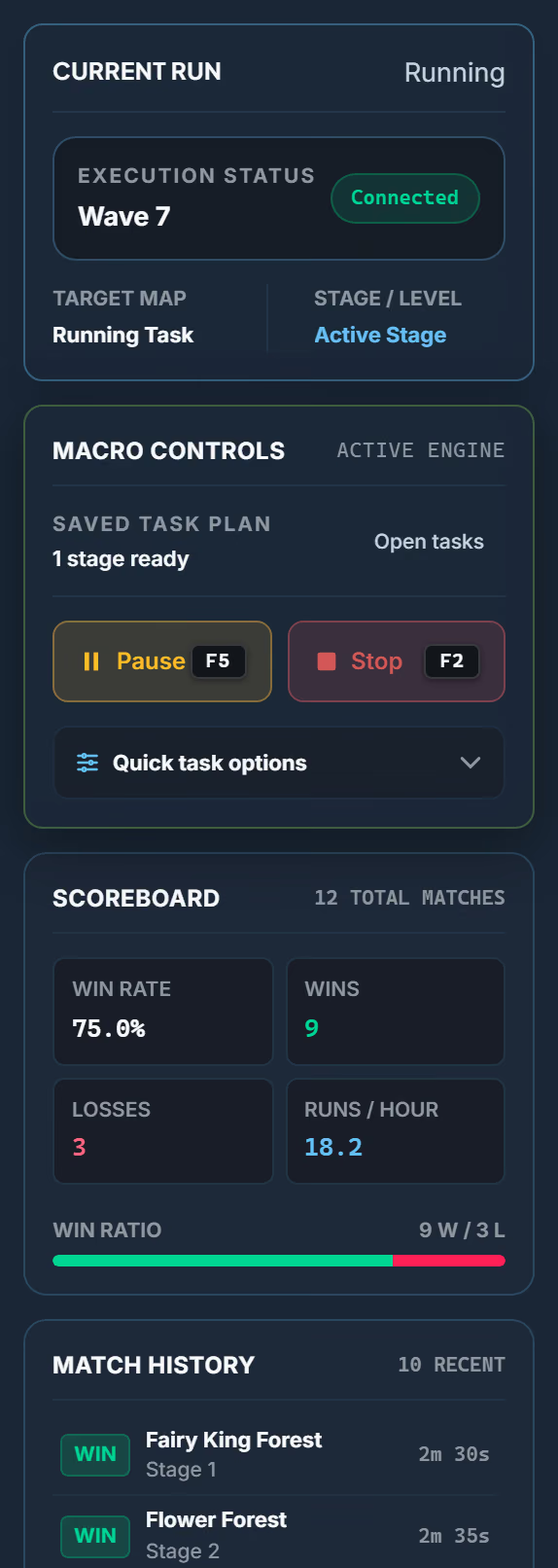
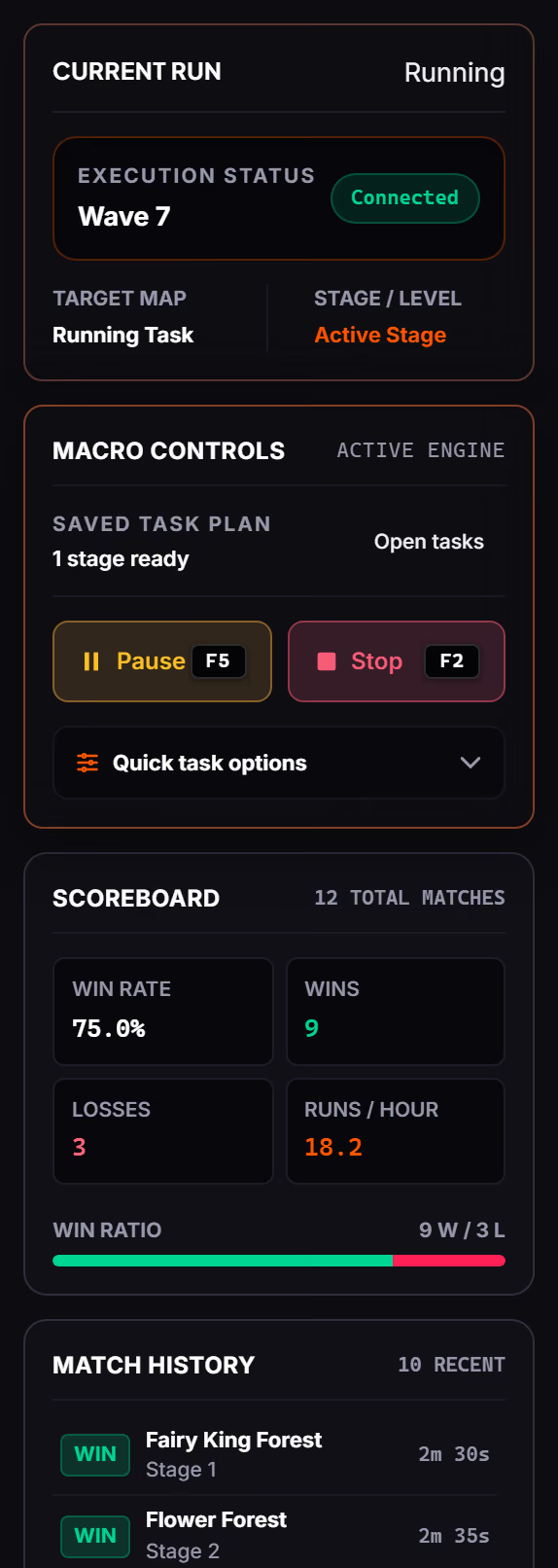
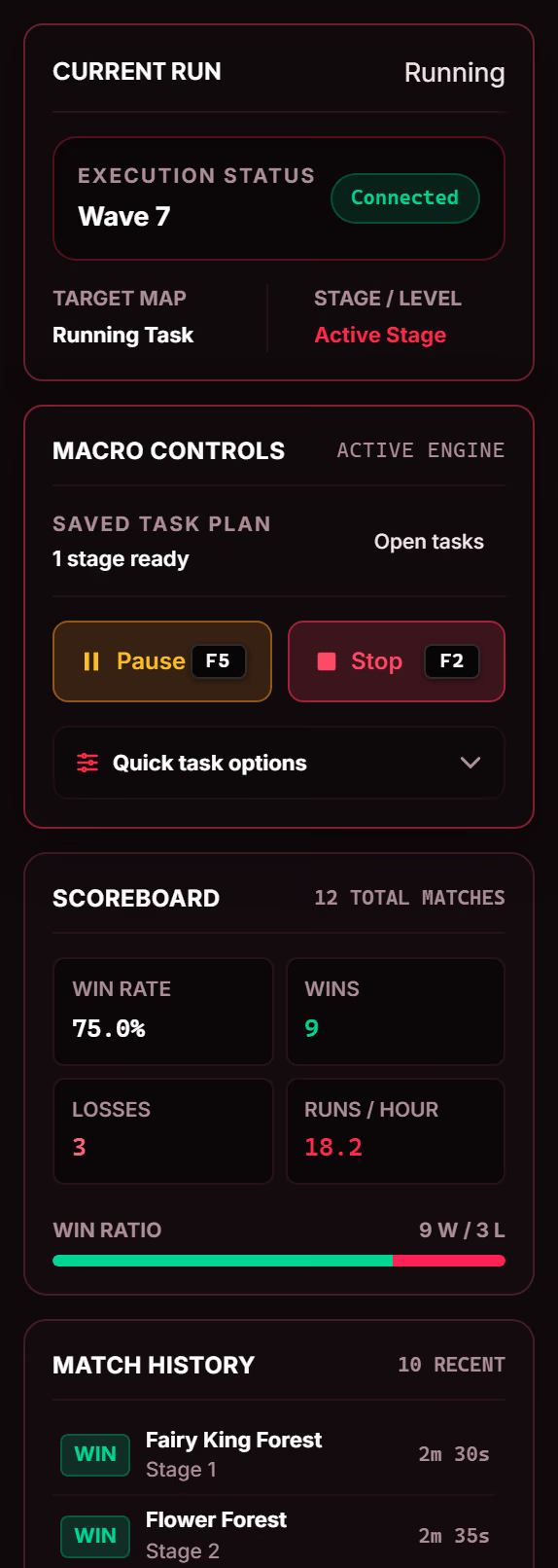
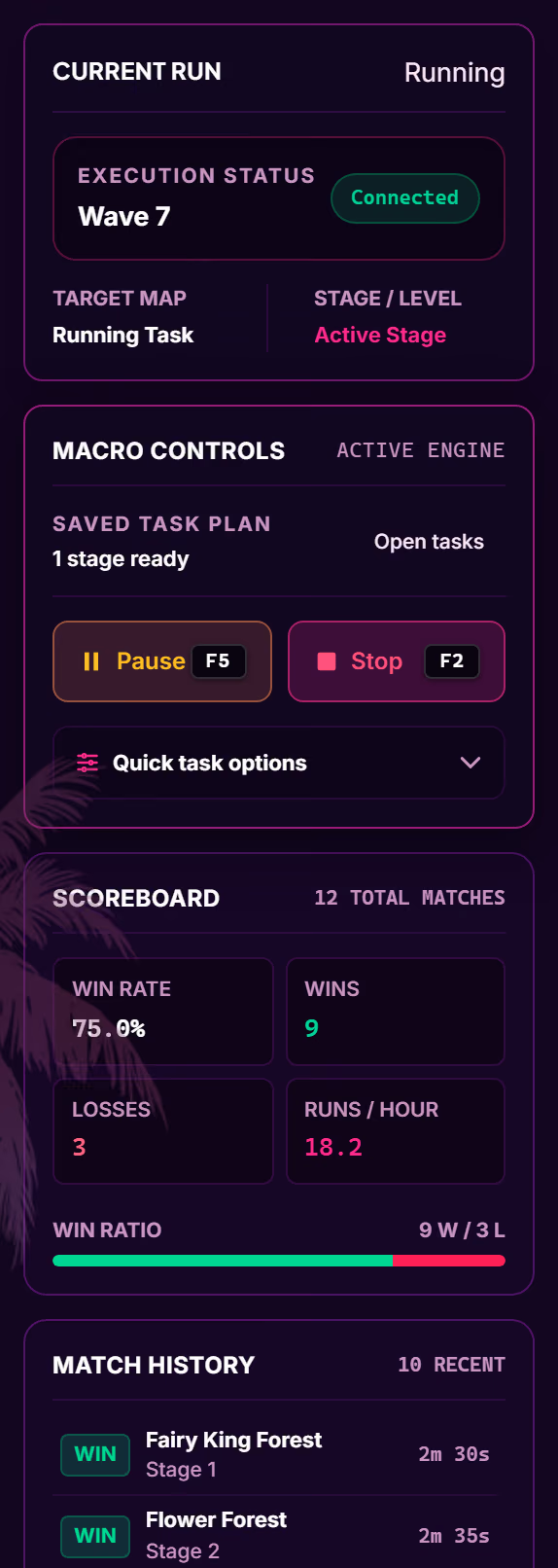
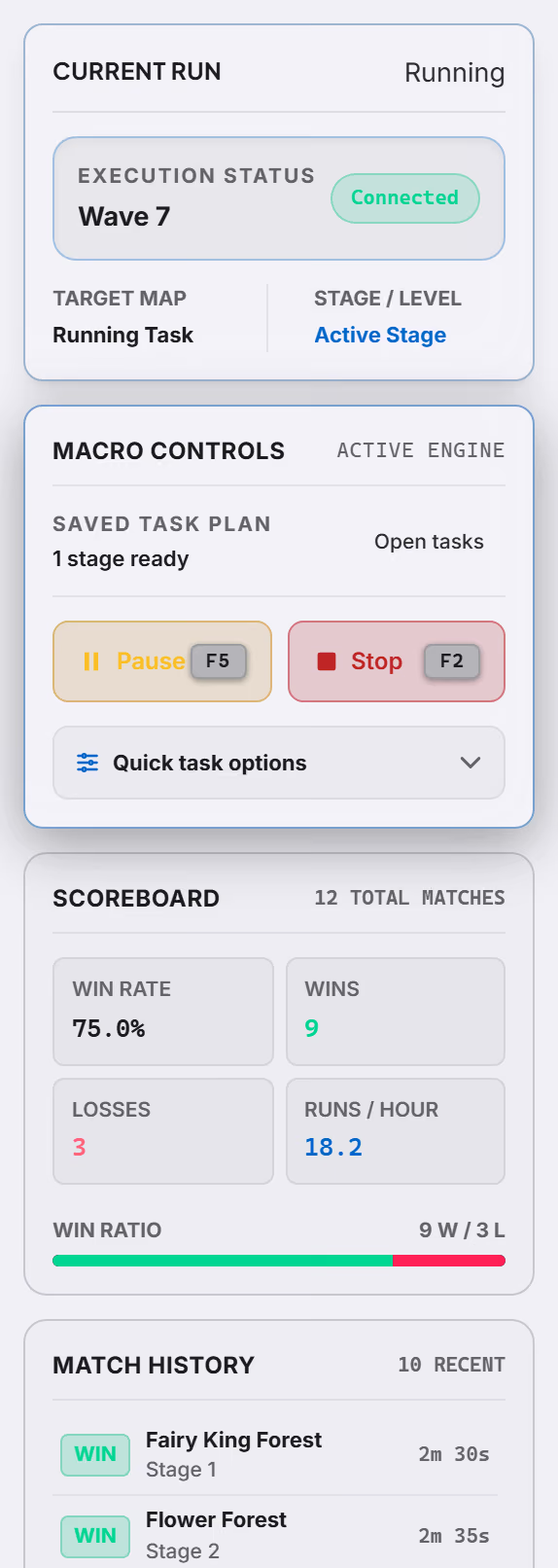
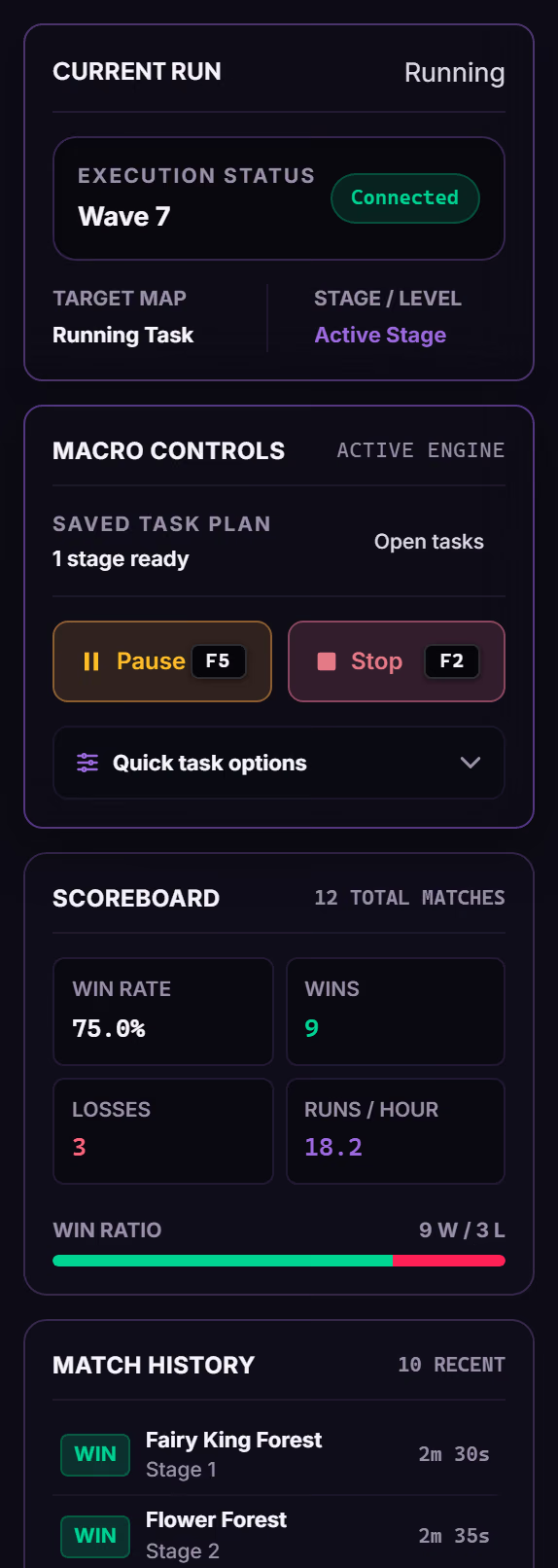
The run panel stays on screen for as long as the plan does: current phase, whether the client is still attached, what the queue is on, and what the last matches did.
The hotkeys work while the game has focus, so a run can be stopped without leaving the client.
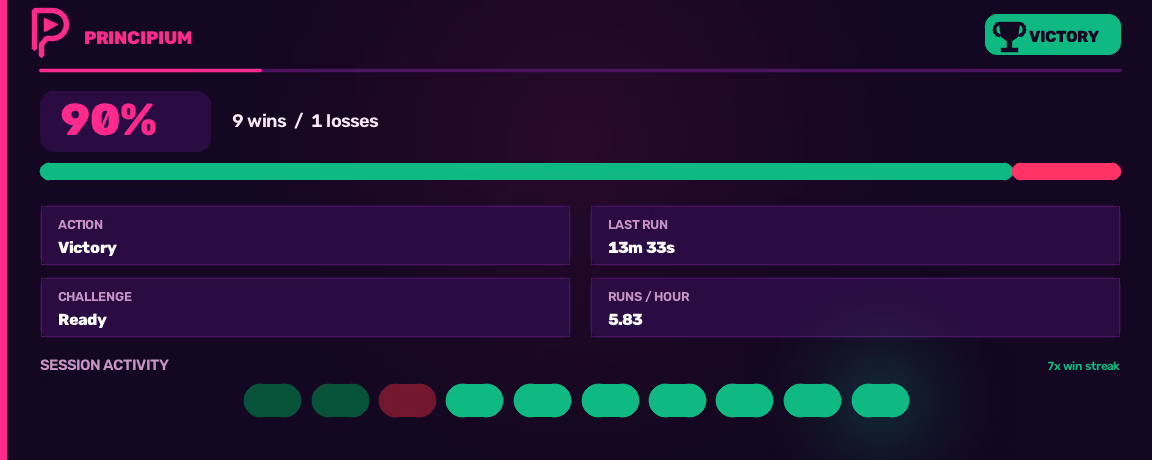
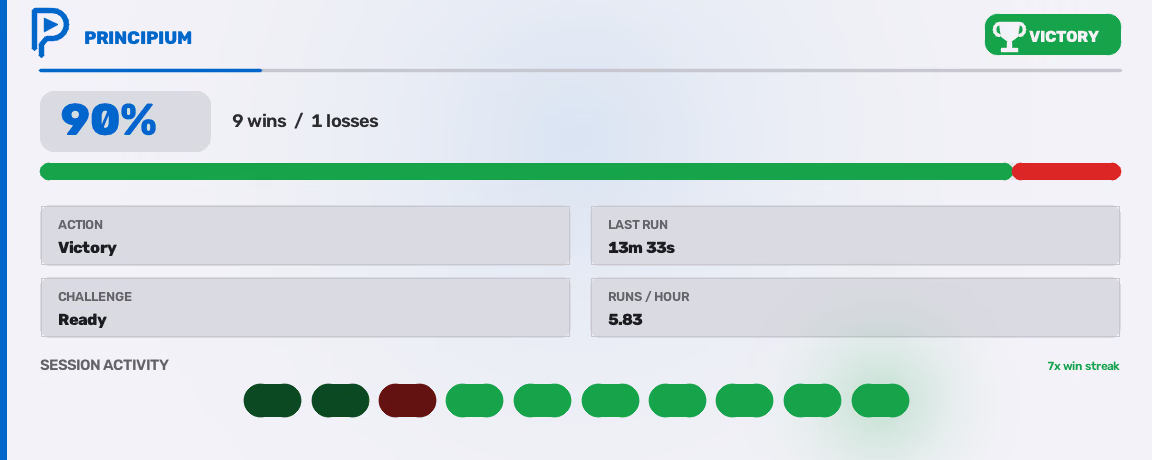
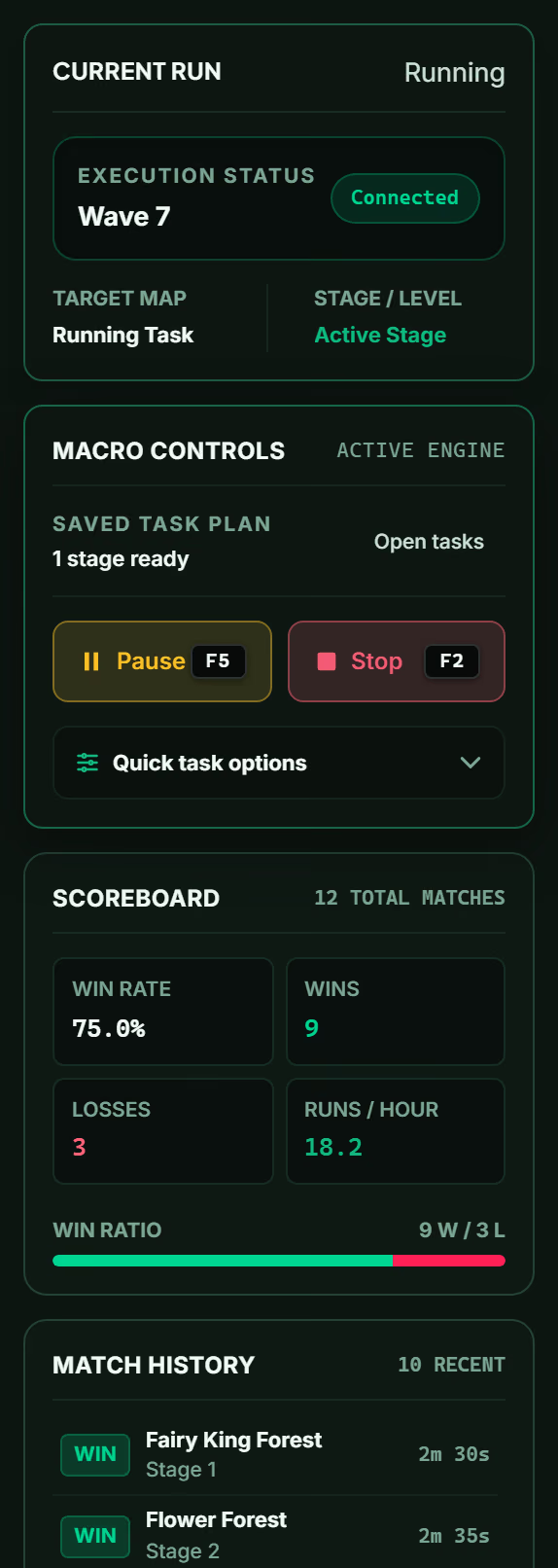
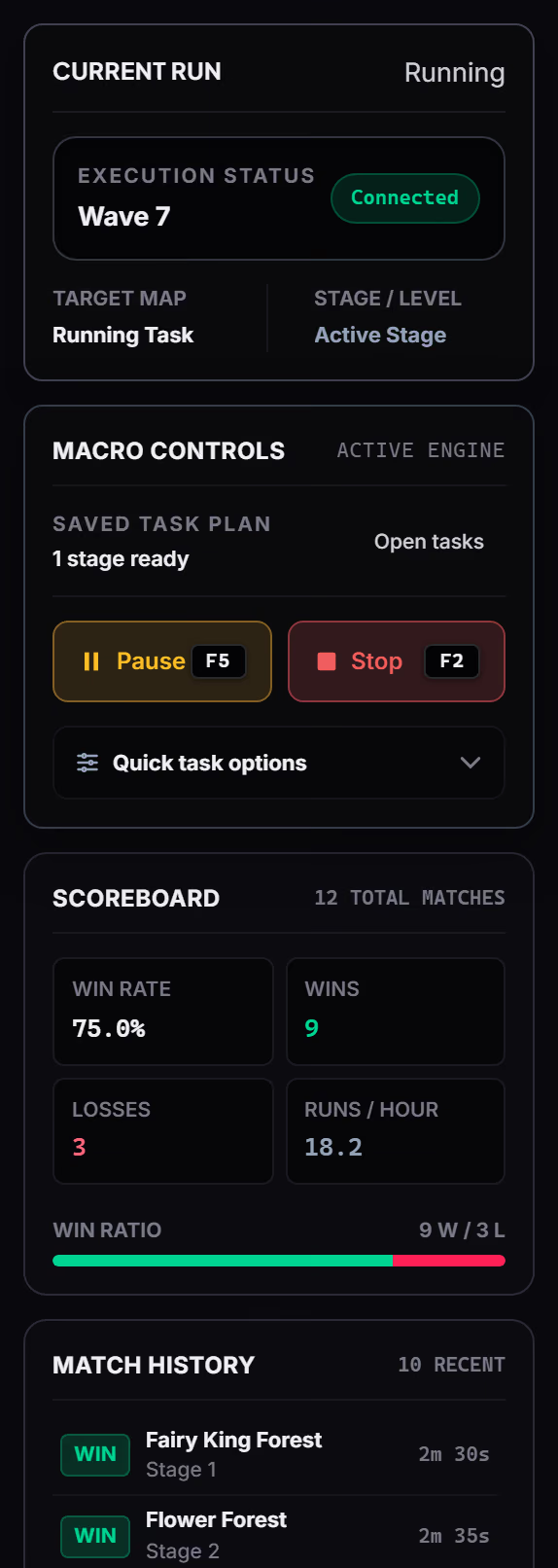
The app ships eight complete palettes, from near-black consoles to a light one. This site is built on the same tokens, so choosing here re-colours the page and every product screenshot on it at once.
Active palette
Scroll back up · the captures change with it
Principium automates a game the way a very fast person with a mouse would: it looks at the screen and it types. That limit is deliberate, and it is where the engine stops.
Nothing is loaded into the game process.
The engine never reads or writes game memory.
Game files and network traffic are left alone.
There is no evasion layer, and none is planned.
Input goes to the single docked, foreground window, never to a hidden or second client.
The engine starts only after the launcher hands it a signed run ticket over a local pipe.
It is worth saying plainly: automating gameplay is against the rules of Roblox and of most games on it. Principium keeps to ordinary input and screen reading because that is the honest way to build it, not because that makes automation risk-free. Nobody can promise you that, and this page will not pretend otherwise.
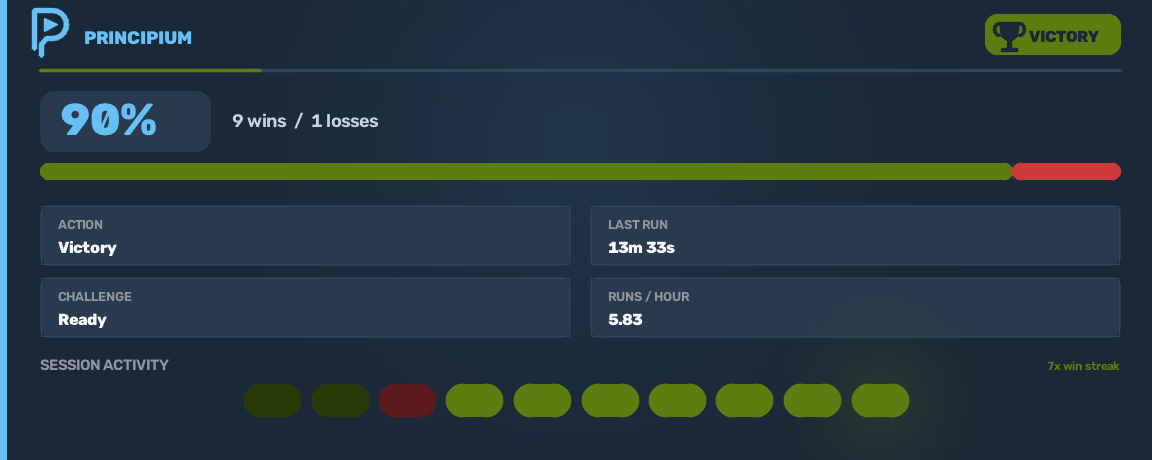
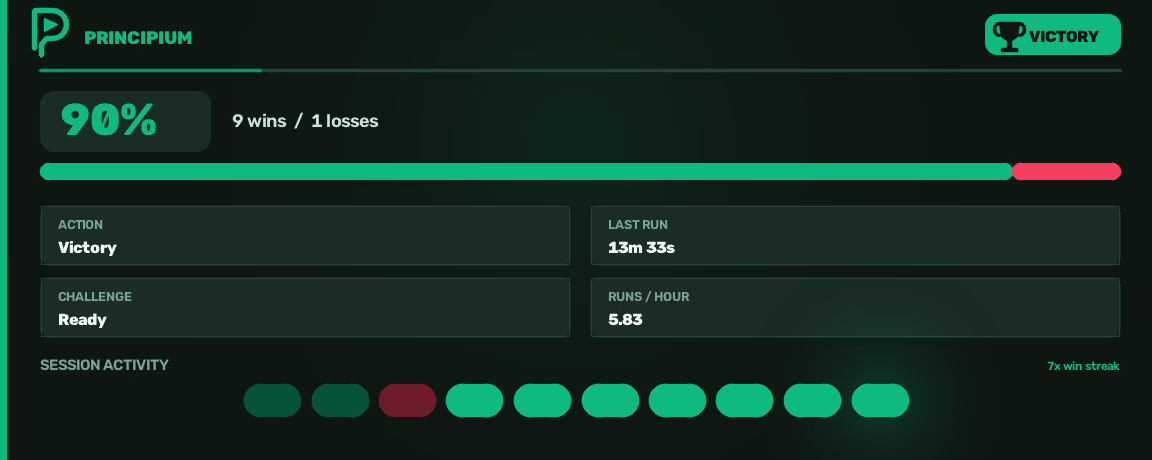
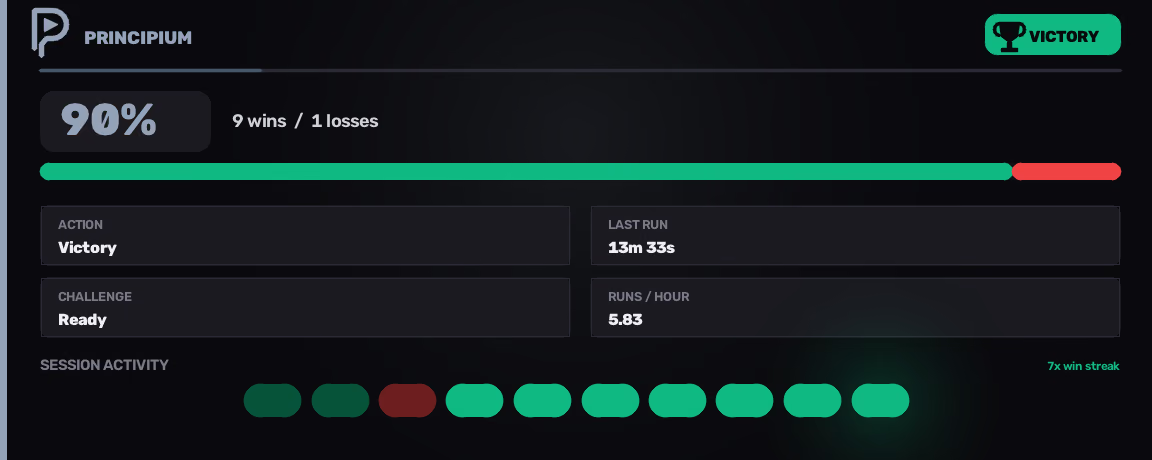
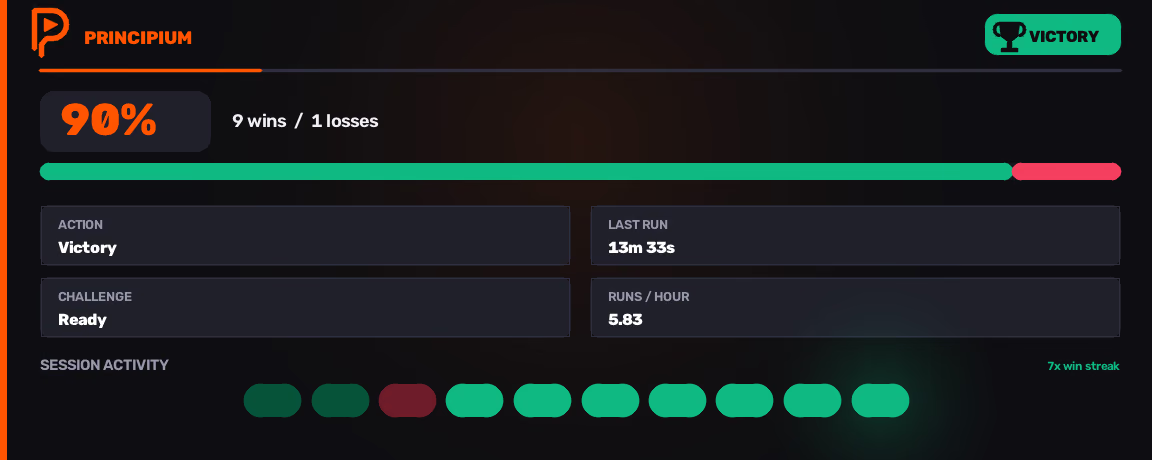
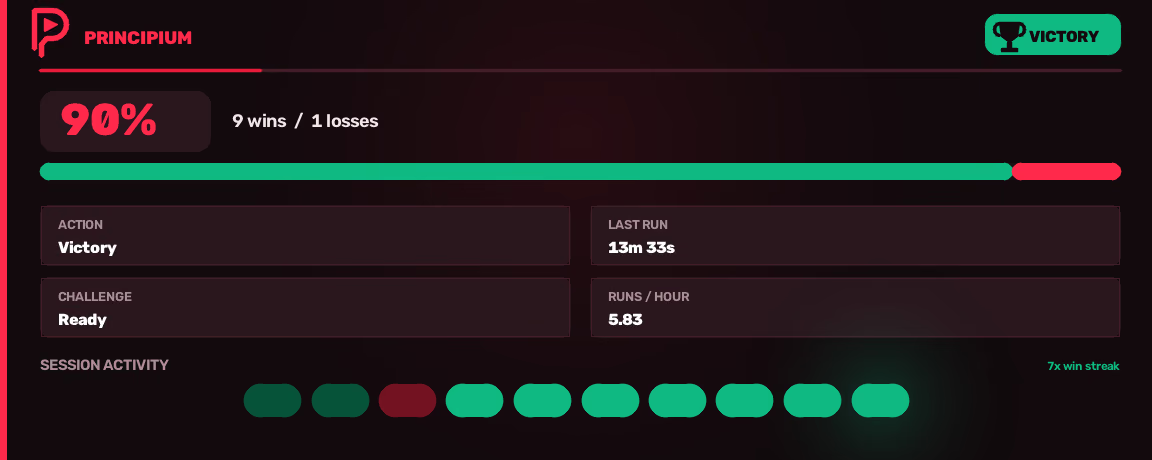
The exact embed Principium's webhook sends to #wins on a win, status card included. Join to see the real one.
PrincipiumBOT
◆ Community
Join the Principium DiscordIt docks the active Roblox client window, analyses real-time screen pixels with computer vision, and sends ordinary keyboard and mouse input to that window. It does not perform memory injection, modify Roblox client files, or manipulate network packets. Every automation decision comes from observed screen pixels.
Keep exactly one Roblox client open, load Anime Expeditions before starting execution, and pause before changing Tasks, Macros, or Automations.
Yes. In Anime Expeditions itself — inside the game’s own settings menu, not Principium — turn off Auto Next, Auto Retry, and Auto Vote Start before starting a run. Principium only advances when it visually confirms each expected screen transition on the active window. Allowing the game to skip screens automatically desynchronises the state sequence the macro expects to find.
On the Dashboard, use Connect Roblox Client to re-hook the game window. If clicks land off target, open Settings → Controls & Coordinates and use Pick from Frame to recalibrate. Export Diagnostics bundles the debug log and failure screenshots into one file for a bug report.
Principium is paid, proprietary commercial software. A licence grants personal, non-transferable use, and is activated through the separate launcher. Included third-party open-source libraries keep their own notices, listed inside the app.
Access
Principium is paid, private beta software. Access is invite-only: selected testers get a key by hand. If you have one, create an account on the beta portal, download the launcher, and activate it. Join the Discord for announcements, tester bounties, and future key giveaways.
Windows · one Roblox client · Anime Expeditions loaded